Compare InkCMS
An honest matrix comparing InkCMS to WordPress, Contentful, Sanity, Squarespace, and Webflow. We name names and call out where competitors are stronger.
Read more
InkCMS is the seventh CMS Ken and his team have architected — and the first one built from scratch for the agent era. The first six taught us what to keep. This one started with a question: what would we build if Claude was the senior editor?
We built our first CMS in the late 1990s, before the term existed. The shape was the same shape most CMSs still have today: a SQL database, a CRUD admin, content types, templates, publishing workflows, role-based permissions. Versions of that engine have powered sites for B2B brands, financial services, editorial publishers, and member portals across three decades. It's robust, multi-server, high-security, high-speed — everything an enterprise stack should be.
It is also, in 2026, the wrong shape for the world we now work in.
The world we now work in has Claude in it. And Claude is not very good at SQL admin panels — but Claude is extraordinarily good at editing files. Markdown files. YAML files. Razor templates. CSS. The substrate of the web.
So we tore the old assumptions up and started over. InkCMS is a complete reconstruction of a traditional CMS, designed from the storage layer up to be edited by an AI. No database. No CRUD admin as the primary path. No content-type schema migrations. Just files — the shape Claude already understands.
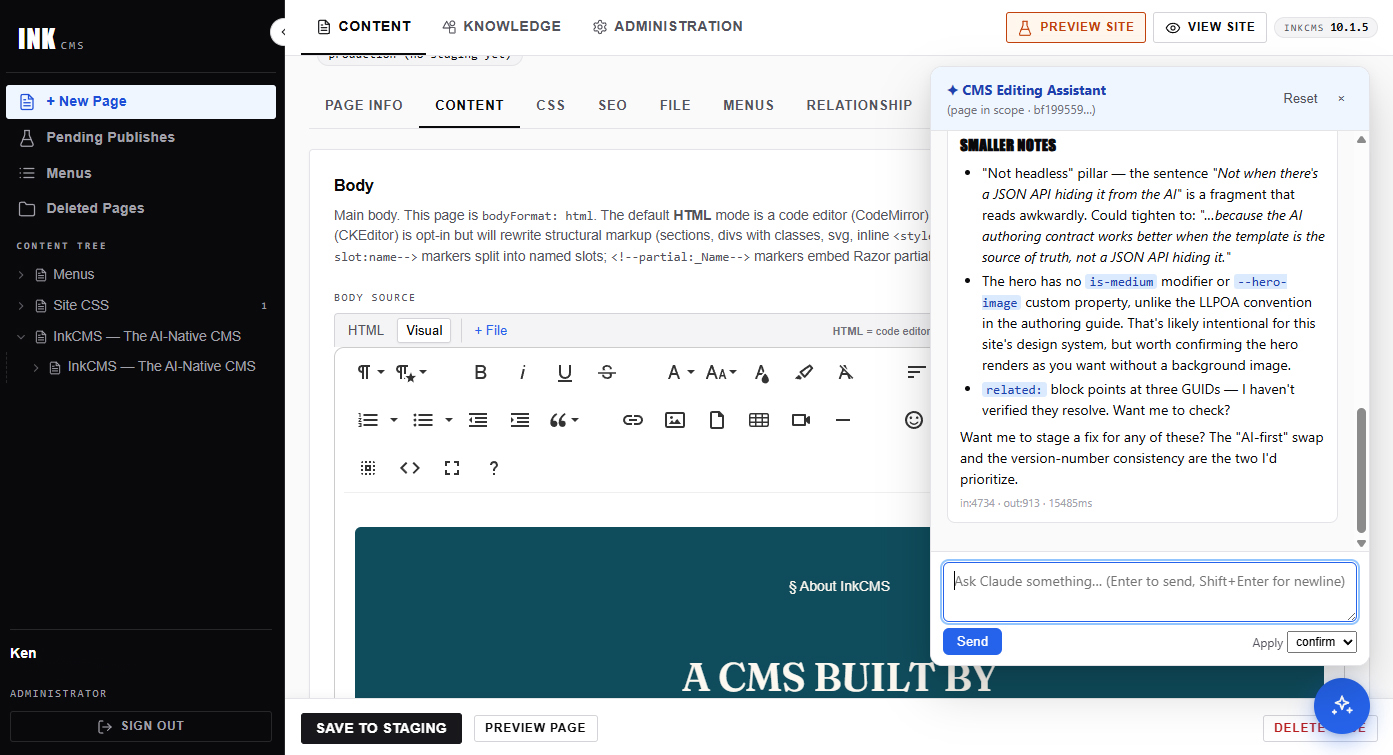
The bet is simple: a developer with Visual Studio Code and Claude Code should be able to stand up a complete, functional website in a day. Starting from a small set of HTML and a brand brief. Or from Figma designs and a content drop. Or — once the site is live — from a marketing lead pasting raw notes into the admin chat and clicking Apply.
"This is the seventh CMS I've written. The first six taught me what to keep. This one is what we would build if Claude was the senior editor."
Every design decision in InkCMS traces back to one of three rules. Where the rules conflicted with convenience, the rules won.
Pages, menus, entities, users, sessions, audit logs, AI conversations — all on disk as markdown, YAML, or JSON. An agent that knows the format for one file knows the format for all of them. A human can open any state in a text editor. A backup is tar. A disaster recovery is tar -x. A development workflow is git diff.
Claude reads. Claude proposes. The human approves. Every write surfaces as a pending-action card. Every action is in the audit log. The AI never has shell access, never sees source code, never holds secrets, never publishes without consent. That's how you trust an agent in production — by giving it nothing it shouldn't have.
InkCMS is source-available. Customization is C#, Razor, and CSS — the same tools every .NET developer already uses. No plugin economy. No theme marketplace. No proprietary scripting language to learn. If you want a feature, you write the feature. If you want a different look, you write the CSS. Claude Code helps. The result is yours.
Knowing what InkCMS isn't is as important as knowing what it is. If any of the below describes what you need, InkCMS may not be the right tool.
InkCMS is for sites where the content matters and the operator wants to own the stack. If you want drag-and-drop with no developer in the loop, you want something else.
Server-rendered Razor templates with embedded partials — because the AI authoring contract works better when the template IS the source of truth. Not when there's a JSON API hiding it from the AI.
No plugin economy. No theme marketplace. Customization is C#, Razor, CSS — and Claude. If you depend on a thousand-plugin ecosystem, InkCMS will feel sparse on day one. But ask Claude to build what you need, and unreliable third-party plugins become custom applications you actually control.
AI is the design center, not a bolted-on feature. The data model, storage shape, tool surface, and prompt contract were all designed to be edited by an LLM from day one.